Every click gets its close-up.The auto-zoom screen recorder for Chrome
Record your screen and webcam. Bimb zooms in on every click, trims or speeds up dead time in one click and exports it ready to share.
Drag to compare.
Click anything.
What people make with Bimb
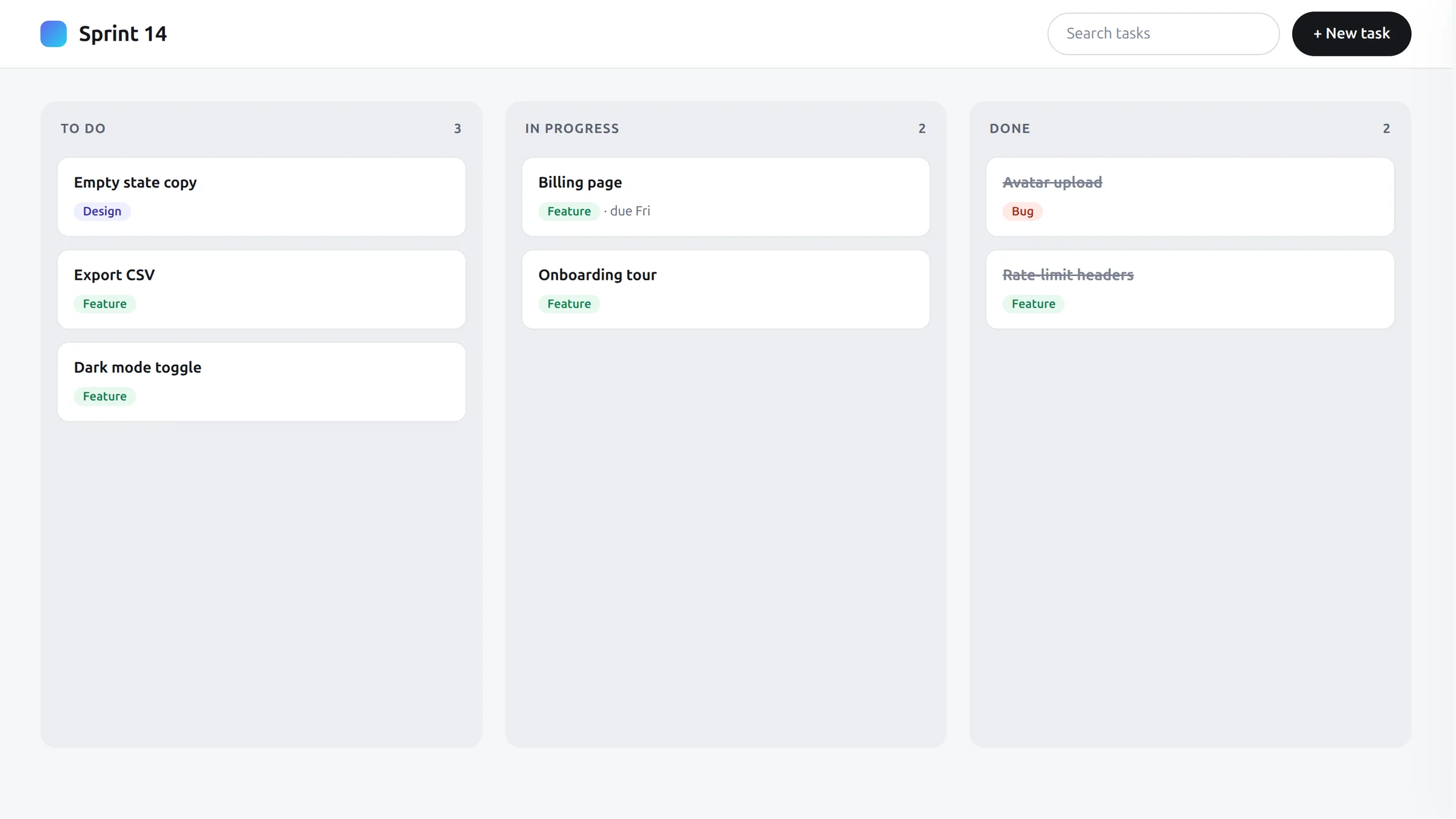
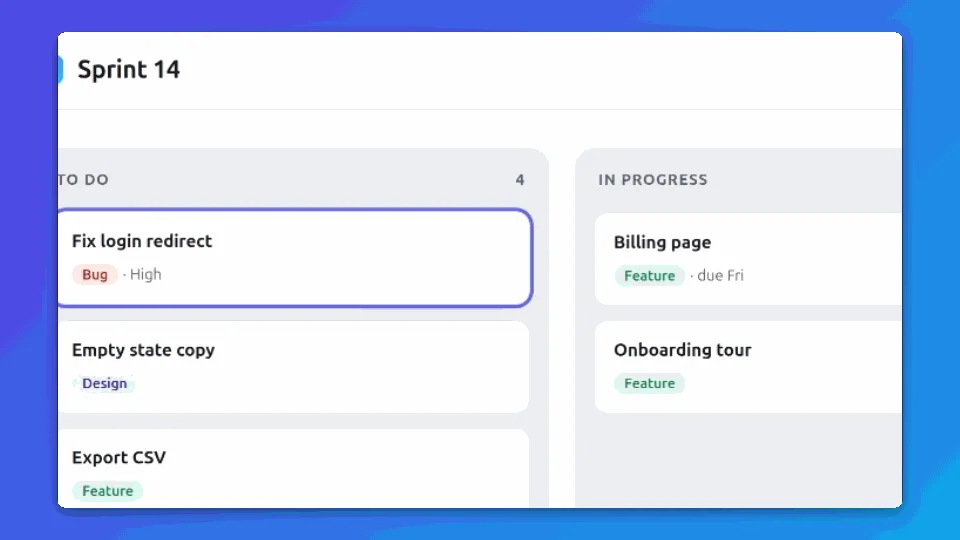 Bug reportsShow exactly what broke, with every click zoomed in.Bug Report Clip
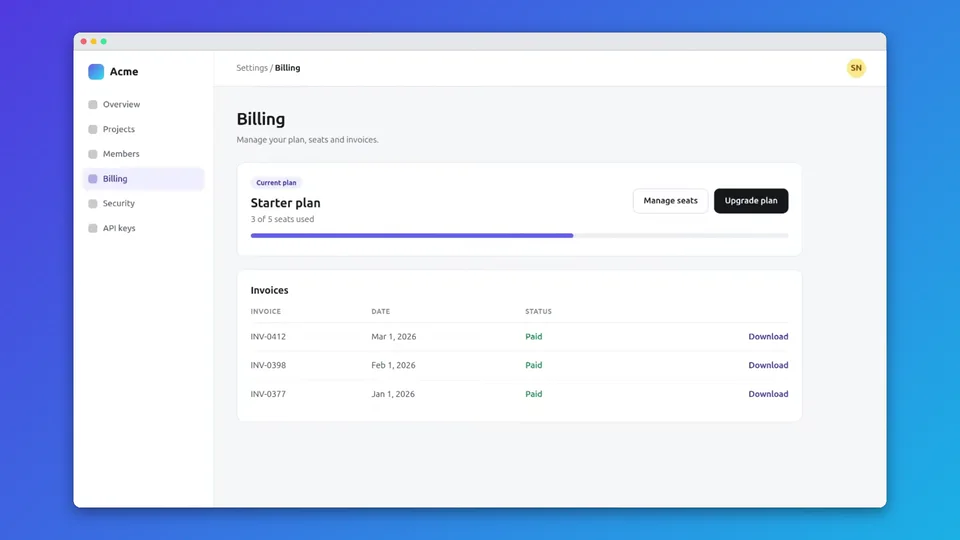 PR walkthroughsWalk reviewers through a change without a call.PR Walkthrough
 Changelog GIFsTurn each release note into a short looping GIF.Changelog GIF
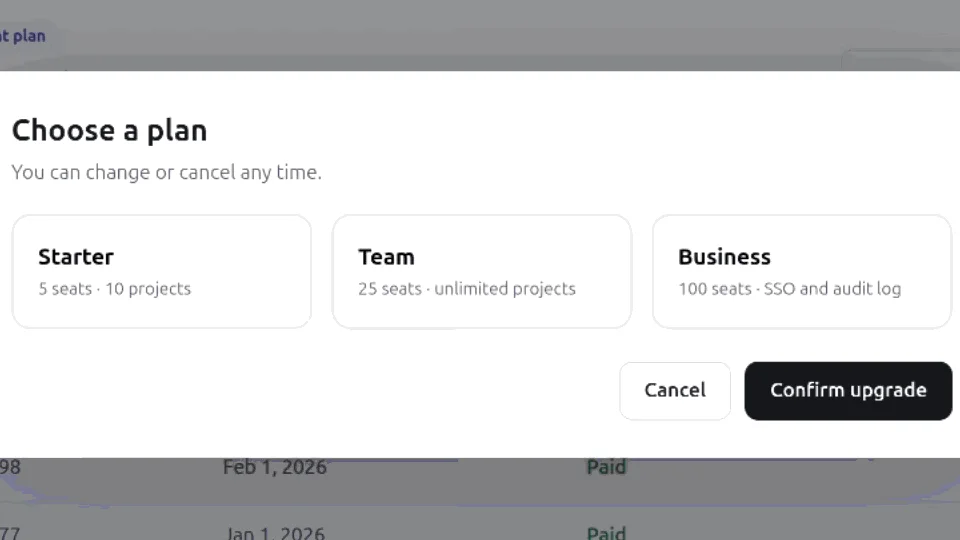 Docs and tutorialsDrop step-by-step GIFs straight into your docs.GIF for docs
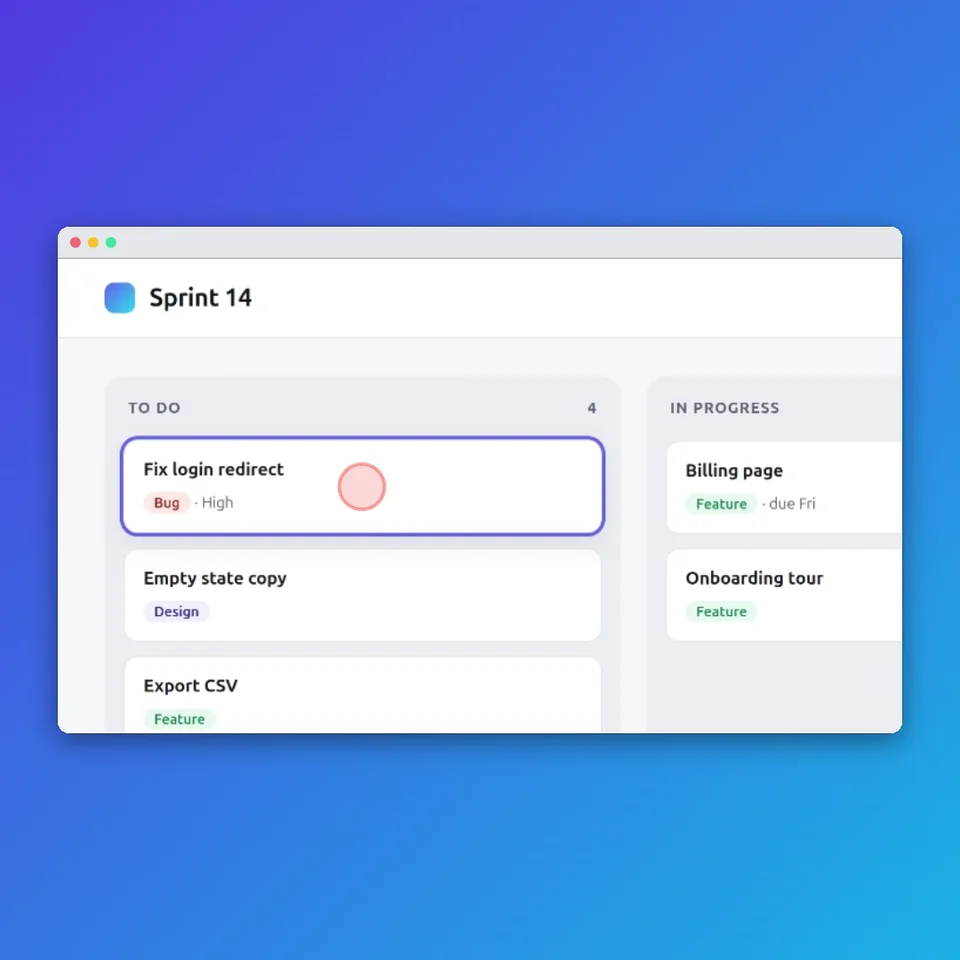 Social demosPost a square product demo that reads on a phone.Square for social
How it works
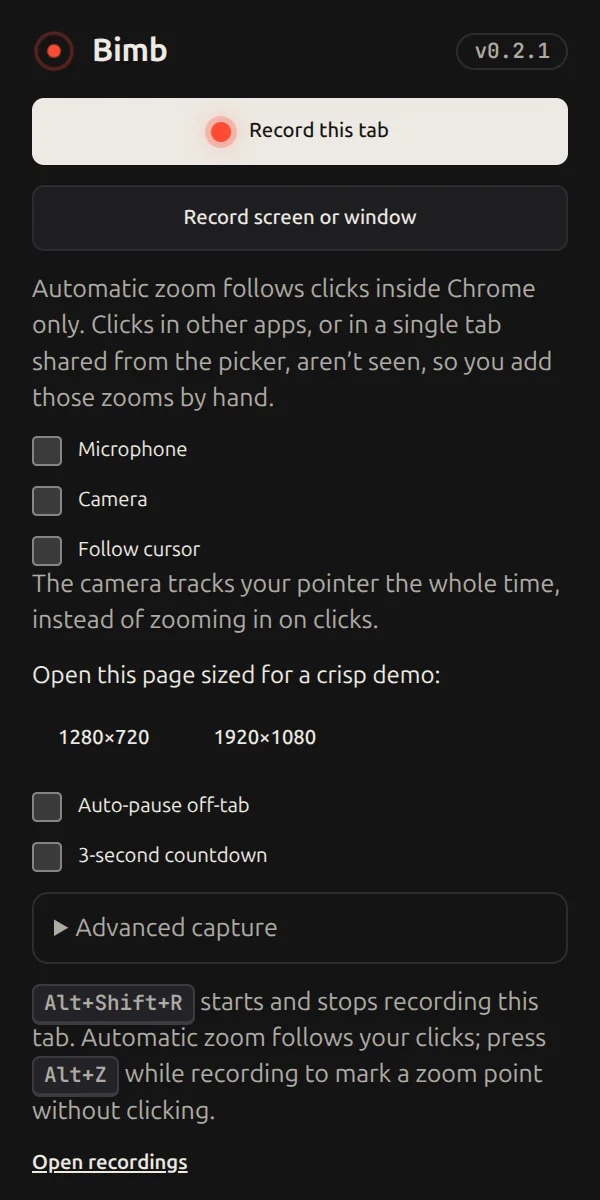
- 1Record
Record this tab, or a screen or window. Add your mic and webcam if you want.
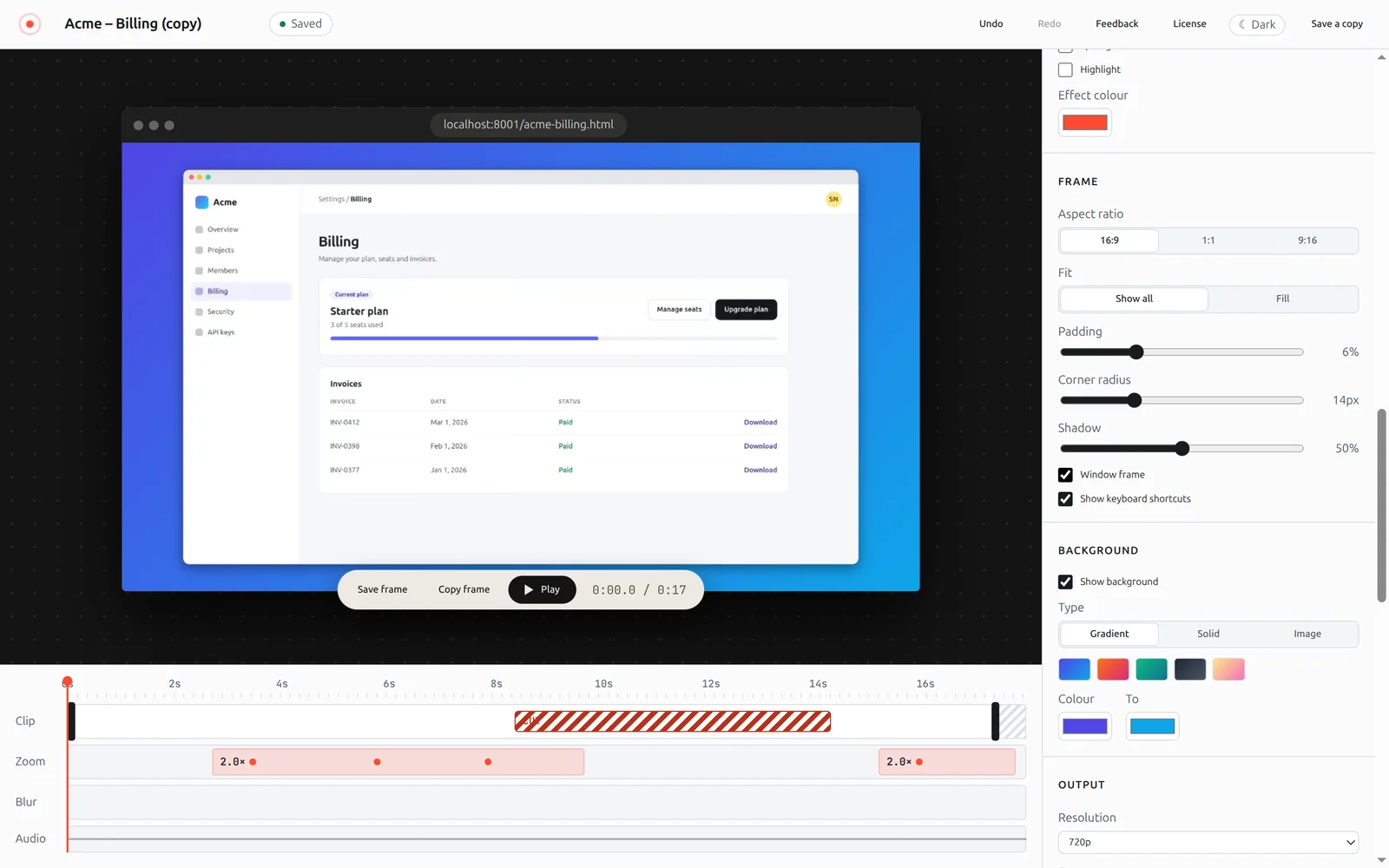
- 2Bimb edits
Clicks become zooms and idle time can be cut or sped up in one click. Everything stays editable.
- 3Export
Pick a preset, then save a WebM, MP4 or GIF file.
Everything in the box
Webcam bubble
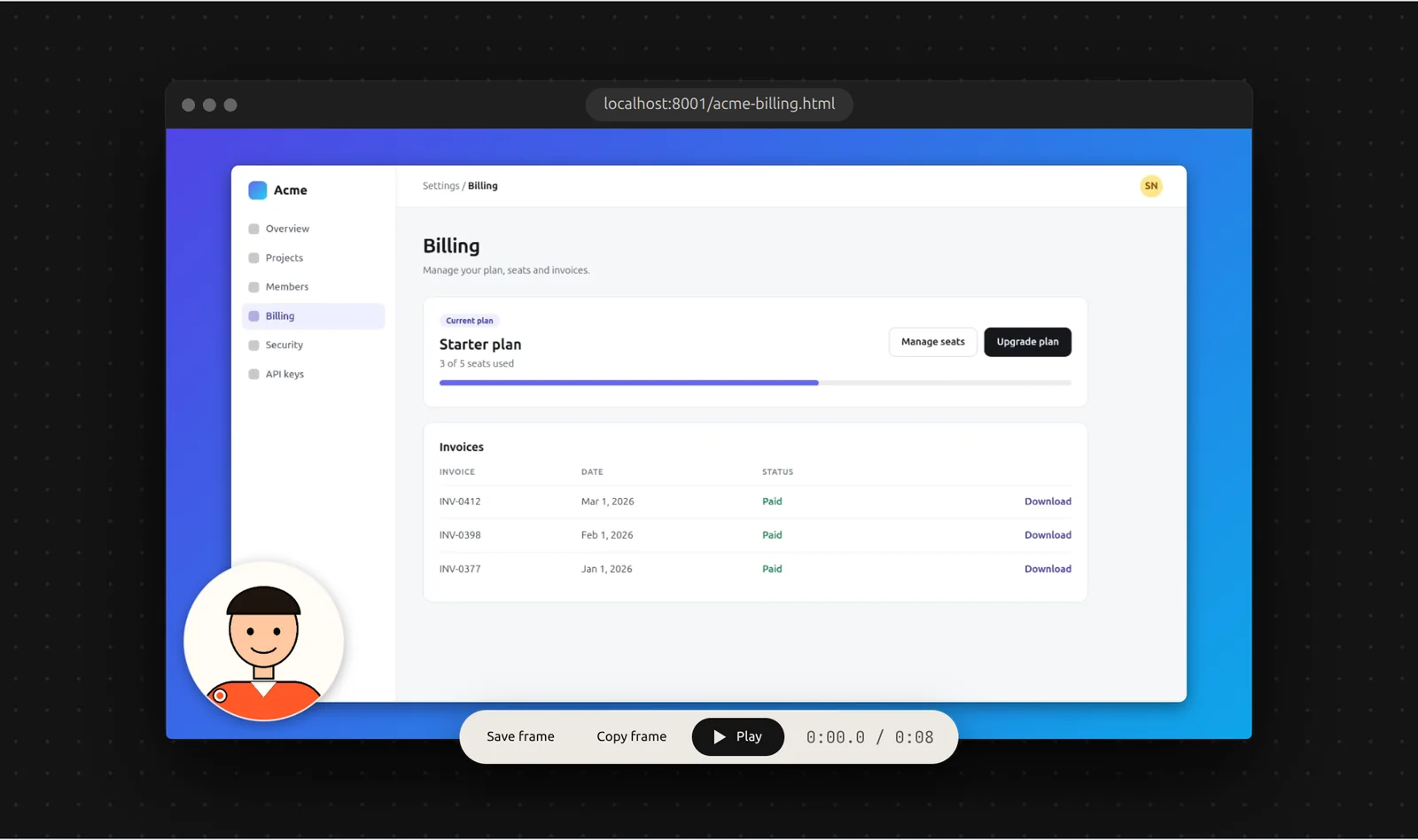
Record your camera with the tab, window or screen. In the editor, drag the bubble anywhere, resize it, make it a circle or a rounded square, mirror it or hide it. Your camera stays on your computer like everything else.
Click zoom
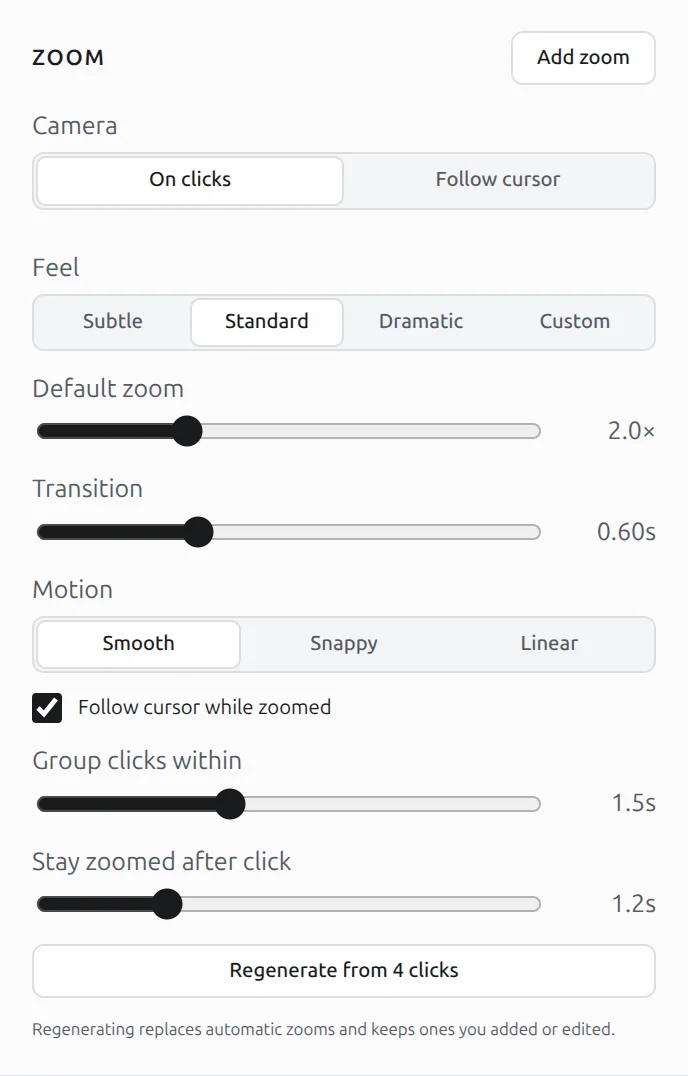
Every click becomes a zoom. Or use the follow camera.
Tab, screen or window
Start and stop with Alt+Shift+R, pause with Alt+Shift+P. Optional countdown, auto-pause when you leave the tab, and a window sized to exactly 1280×720 or 1920×1080. Up to 4K at 60 fps.
Framing and style presets
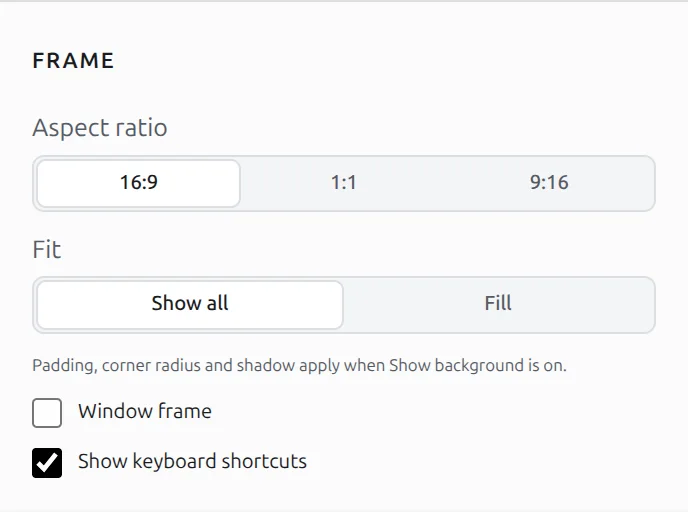
Aspect, padding, corners, shadow, window frame. Share presets as JSON.
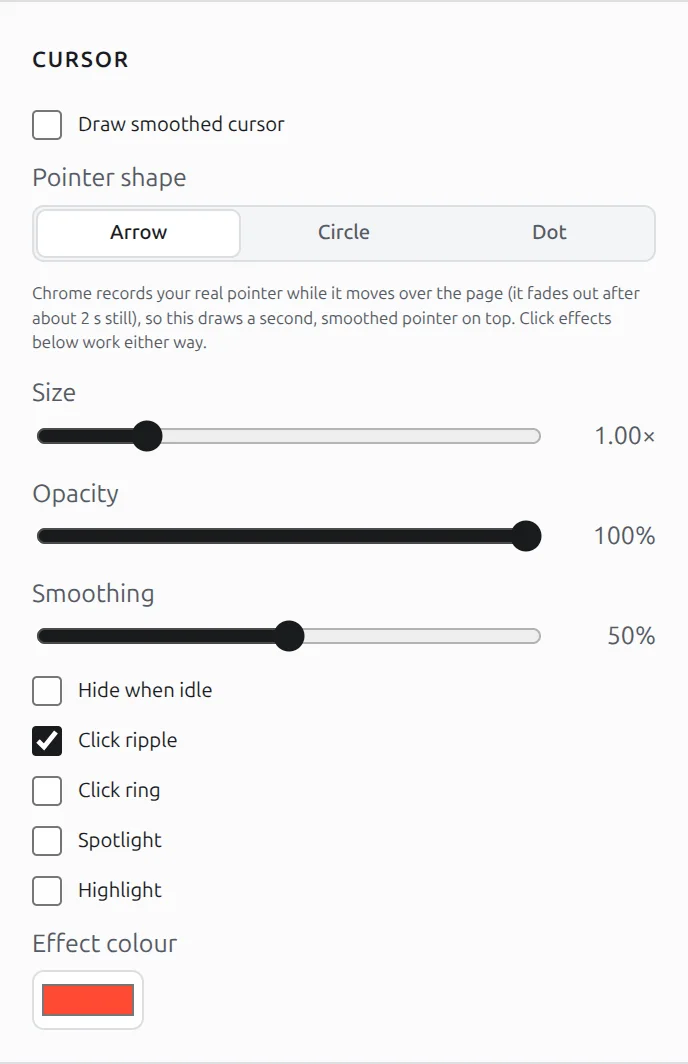
Cursor and keystroke effects
Ripple, ring, spotlight or highlight on clicks. Shortcut combos only, never plain typing or passwords.
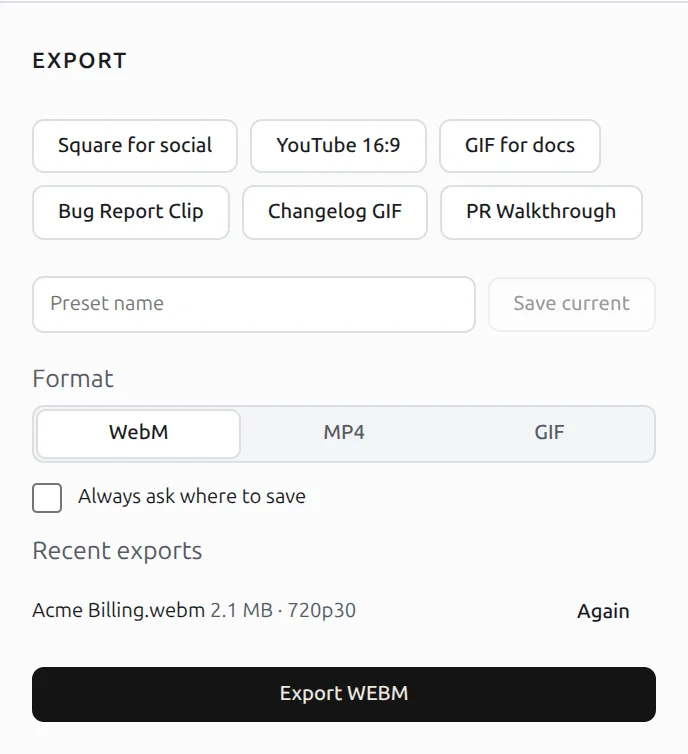
Export presets and batch export
WebM, MP4 or GIF at 720p, 1080p or 1440p, 30 or 60 fps.
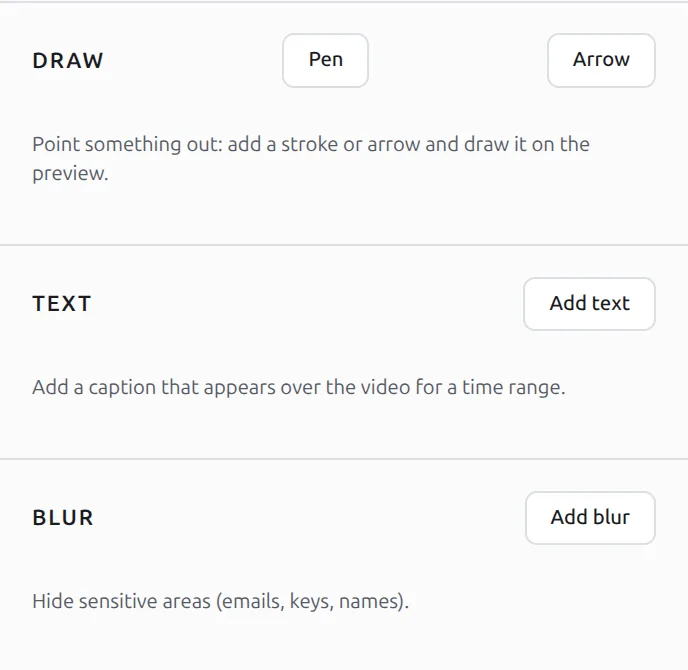
Blur, text, drawings, cuts
Hide details and annotate on the timeline, with undo and redo.
Idle trimming
One click cuts the dead time or plays it at 4×, and it is reversible.

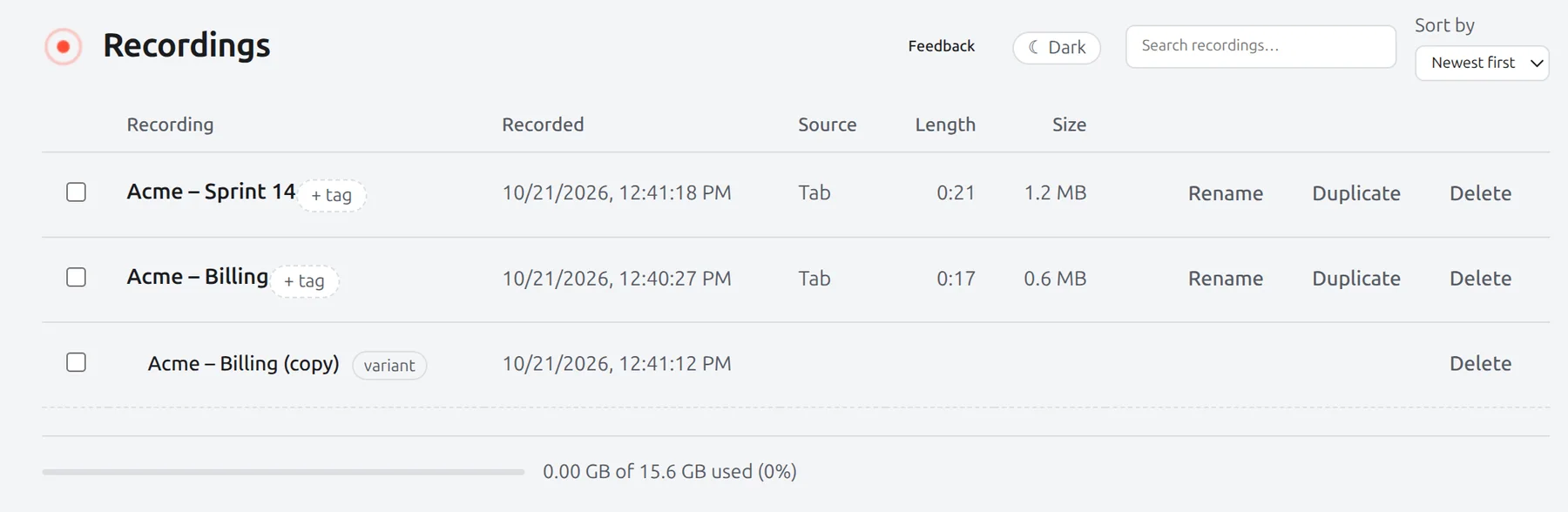
Library
Search, tags and variants for every recording.
Bimb ships updates often. See what changed in each version.
Your recordings stay in your browser.
Get Bimb Pro
Early-bird price for the first 200 users. One-time purchase, up to 5 devices. Checkout by Polar.
Questions, answered
Is Bimb a tab recorder or a screen recorder?
Both. It records a Chrome tab, or a screen or window you pick. Automatic zoom follows your clicks inside Chrome in all three; in screen and window recordings, clicks in other apps aren’t tracked, so you add those zooms by hand.
Does it zoom in on clicks automatically?
Yes, for every click inside Chrome, whether you record a tab, a window or the whole screen. Each click becomes a smooth zoom that you can move, retime or delete, and you can regenerate them any time.
Are there pages where clicks are not tracked?
Yes. Chrome does not let extensions run on its own pages (chrome:// pages, the Chrome Web Store, other extensions), so Bimb records the video there but cannot see your clicks. If you move to a different website partway through a tab recording, click tracking can stop from that point. Add zooms by hand in those cases. The popup warns you before you record a page it can’t track.
Can I use it for bug reports and PR walkthroughs?
Yes. Built-in export presets (Bug Report Clip, PR Walkthrough, Changelog GIF, GIF for docs) set the size, format and frame rate for you.
Does it upload my recordings?
No. Recording, editing and export all happen in your browser. Nothing is uploaded.
What does it record?
The tab, window or screen you choose, plus your mic and webcam if you turn them on. The keystroke overlay shows shortcut combos only. Plain typing and password fields are never recorded.
Do I get a share link?
No. Bimb exports a file (WebM, MP4 or GIF) that you share however you like. There are no hosted share links.
Is the cursor drawn?
The drawn cursor is off by default. Turn it on when you want it.
Can I show my webcam?
Yes. Turn on the camera before you record and it is captured alongside. In the editor, drag the bubble anywhere, resize it, change its shape, mirror it or hide it.
Can I pause or get a countdown?
Yes. Pause and resume from the popup or with Alt+Shift+P. Turn on a 3-second countdown before recording, or auto-pause so the recording stops while you are on another tab. Alt+Shift+R starts and stops recording without opening the popup.
Which browsers?
Chrome 116 or later, on Windows, macOS and Linux.
How much does it cost?
Recording and a watermarked MP4 export are free. Bimb Pro is $49 for the first 200 users, then $79, one time: no subscription. Your license key is on the receipt; paste it into Bimb to unlock Pro on up to 5 devices.
Nothing you record leaves your browser. What we do and don’t collect is in the privacy policy.
Record once. Bimb does the editing.
No account to record · Nothing uploaded · Windows, macOS, Linux